Not everyone has a spare room to turn into a study. Plenty of people work from a corner of the bedroom, a slice of the living room or a landing with just enough room for a desk. With a bit of planning, even a tiny spot can be comfortable, tidy and pleasant to sit at every day.
Quick answer: For a small space home office setup, pick a spot with natural light and a nearby socket, then choose a compact desk and a supportive, adjustable chair. Raise your screen to eye level, use a separate keyboard and mouse, go vertical with storage, tame cables, and make it easy to pack work away at the end of the day.
Where should I put a home office in a small home?
Start by walking round your home and looking for spots you may have overlooked. Common options include:
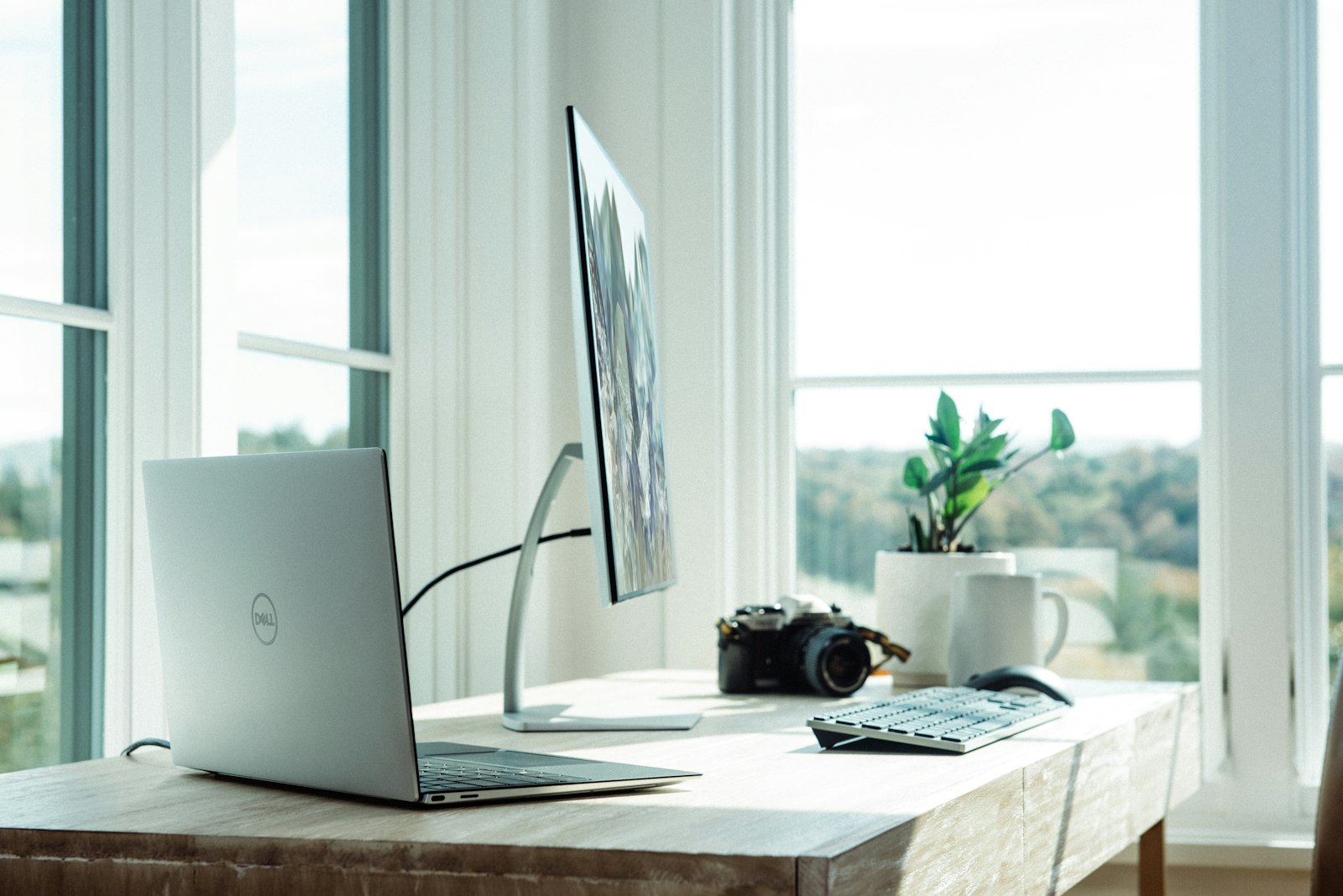
- Beside or under a window. Natural light makes a small space feel bigger and is easier on the eyes.
- An alcove or chimney breast recess. Often the perfect width for a narrow desk with shelves above.
- The end of a hallway or a wide landing. Works well if it does not block a walkway or fire escape route.
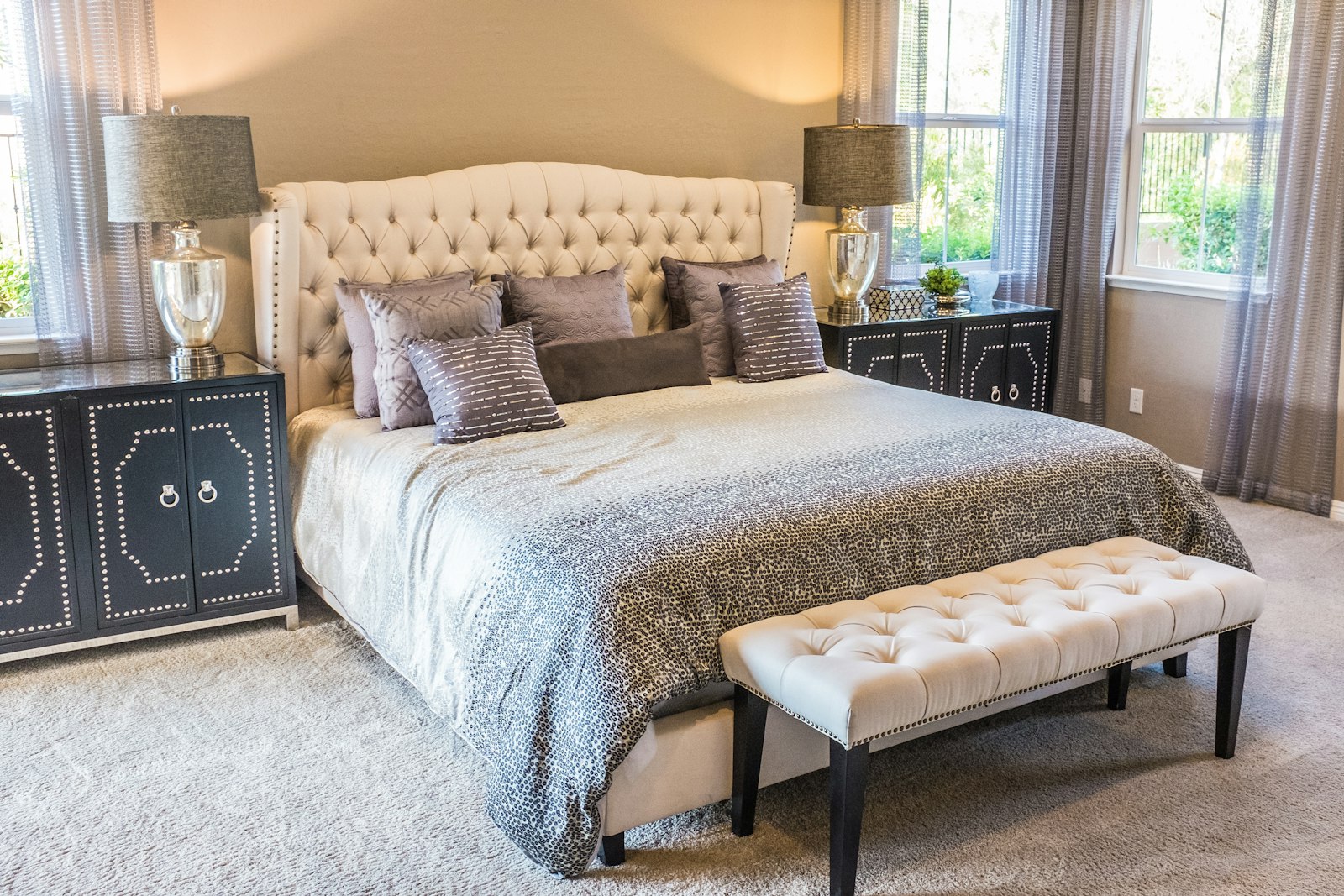
- A corner of the bedroom. Convenient, though it helps to be able to hide work away at night.
- A cupboard or wardrobe. With the doors removed or left open, a deep cupboard can become a compact “cloffice”.
When choosing, think about three practical things: a power socket within reach, a decent Wi-Fi signal and somewhere quiet enough for calls. If the best spot happens to be a Wi-Fi black spot, our guide on how to fix Wi-Fi dead spots at home has straightforward fixes.
Choosing a desk for a small space
The right desk is the foundation of a good setup. In a small room, depth matters as much as width. Too shallow and your screen ends up too close; too deep and it eats the room.
| Desk type | Best for | Things to consider |
|---|---|---|
| Narrow writing desk | Alcoves, under windows | Check there is room for a laptop stand and keyboard |
| Wall-mounted fold-down desk | Very tight spaces, multi-use rooms | Needs a solid wall; limited surface area |
| Corner desk | Making use of awkward corners | Can feel cramped if the corner is dark |
| Ladder or shelf desk | Combining desk and storage | Make sure the work surface is at a comfortable height |
| Adjustable or sit-stand desk | Long working days | Usually larger and heavier; measure carefully |
Measure your space before buying anything, including the room you need to pull your chair out. A tape measure and a bit of masking tape on the floor to mark out the footprint can save a lot of hassle.
How to set up your desk and chair comfortably
A small office still needs to suit your body. The Health and Safety Executive has helpful general guidance on working safely with display screens on its HSE website, which is worth a look if you work from home regularly.
Set up your chair first
- Adjust the height so your feet rest flat on the floor, or on a footrest, with your thighs roughly level.
- Support your lower back. Use the chair’s lumbar support, or a small cushion if it does not have one.
- Keep your elbows near your sides with your forearms roughly level with the desk when typing.
A chair with adjustable height and back support is one of the best things you can invest in. Dining chairs are fine for a short while but rarely suit a full working day.
Then position your screen
- The top of the screen should sit at or slightly below eye level.
- It should be roughly an arm’s length away.
- Place it to avoid glare from windows; side-on to a window is often best.
If you work on a laptop, a laptop stand plus a separate keyboard and mouse makes an enormous difference. It lets you raise the screen without hunching your shoulders to reach the keys.
The small home office setup checklist
Use this as a quick check once everything is in place.
| Area | Check | Done? |
|---|---|---|
| Chair | Feet flat, back supported, adjustable height | ☐ |
| Screen | Top at eye level, arm’s length away, no glare | ☐ |
| Keyboard and mouse | Close to you, wrists relaxed and straight | ☐ |
| Lighting | Natural light plus a desk lamp for darker days | ☐ |
| Power | Socket or extension lead within easy reach | ☐ |
| Wi-Fi | Strong, stable signal at the desk | ☐ |
| Storage | Shelves or a drawer so the desk stays clear | ☐ |
| Cables | Bundled and tucked away safely | ☐ |
| Pack-away | A box or basket for work items at the end of the day | ☐ |
Storage ideas for a tiny workspace
When floor space is limited, go up rather than out.
- Wall shelves above the desk for books, files and a plant or two.
- Pegboards or wall rails with hooks for headphones, cables and small baskets.
- Under-desk drawers or a slim rolling unit that tucks away when not in use.
- Magazine files or desktop trays to keep paperwork upright and contained.
Be ruthless about what lives on the desk itself. A screen, keyboard, mouse, lamp and notebook is a good starting point. Everything else can go on a shelf or in a drawer.
How to manage cables in a small home office
Cables quickly make a small space feel messy, and trailing leads can be a trip hazard.
- Use a good-quality extension lead with surge protection, and avoid plugging extension leads into each other.
- Fix a cable tray or a few adhesive clips under the desk to lift leads off the floor.
- Bundle cables with reusable ties or a fabric sleeve.
- Label chargers so you know what belongs to what.
- Consider a charging spot on a shelf so phones and earbuds are not scattered across the desk.
Lighting, noise and comfort
Good light makes a small space feel bigger and easier to work in. Position your desk to make the most of daylight, then add a desk lamp with a warm or neutral bulb for darker afternoons. Avoid relying on a single overhead light, which can cast shadows on your work.
For noise, soft furnishings help. A rug, curtains and a few cushions absorb sound, which also makes you sound clearer on video calls. Headphones with a microphone are handy if you share your home with others.
Small comforts matter too: a plant, a window you can open and a comfortable temperature all make the space somewhere you want to sit.
Keeping work and home life separate in one room
When your office is a corner of your living room or bedroom, it can be hard to switch off. A few simple habits help:
- Pack away at the end of the day. Close the laptop and put it in a drawer or basket.
- Use a divider. A bookcase, curtain or folding screen can visually separate work from rest.
- Create a start and finish ritual. Making a drink before you sit down, or a short walk when you finish, signals the change.
- Tidy at the end of each week. A simple weekly reset routine keeps clutter from piling up on your desk.
If your work corner is in the bedroom, packing it away also helps the room feel restful in the evening, which ties in with our tips on screen habits for better sleep.
Taking care of yourself while working from home
Whatever the size of your space, take regular breaks. Stand up, stretch, look away from the screen and move around every so often. Short, frequent breaks tend to be more useful than one long one.
If you have ongoing aches in your back, neck, shoulders or wrists, do not just put up with them. Speak to your GP, and the NHS website has general information on looking after your back and joints.
There are plenty of more lifestyle articles on making everyday home life work a little better, whatever the size of your space.
The short version
- Choose a spot with natural light, a nearby socket, decent Wi-Fi and some quiet.
- Measure carefully and pick a compact desk that is deep enough for your screen.
- Prioritise a supportive, adjustable chair, and set it up before your screen.
- Raise your screen to eye level and use a separate keyboard and mouse with a laptop.
- Store things vertically and keep the desk surface clear.
- Tidy cables safely and avoid daisy-chaining extension leads.
- Pack work away at the end of the day so your home still feels like home.
For more practical guides to home, work and everyday tech, visit ConnectionCafe.com again soon.